Crypto Exchange
 API
API Widget
 White Label Exchange
 Telegram Bot
 Permanent Swap Address
 Privileges
Asset Services
 Asset Listing
 Multichain Bridge
Enterprise Solutions
 White Label Wallet
 Warm Wallets
 Market Info API
NOW Solutions
 NOW Custody
 NOWPayments
 NOWNodes
Partnership
 Referral Program
 Affiliate Program
Use Cases
Business Account
 dApps
dApps Crypto loans
 Crypto wallet
 Payment gateway
 Exchange platform
 Exchange aggregator
 Fiat on-ramp
 Content creator
 DEX aggregator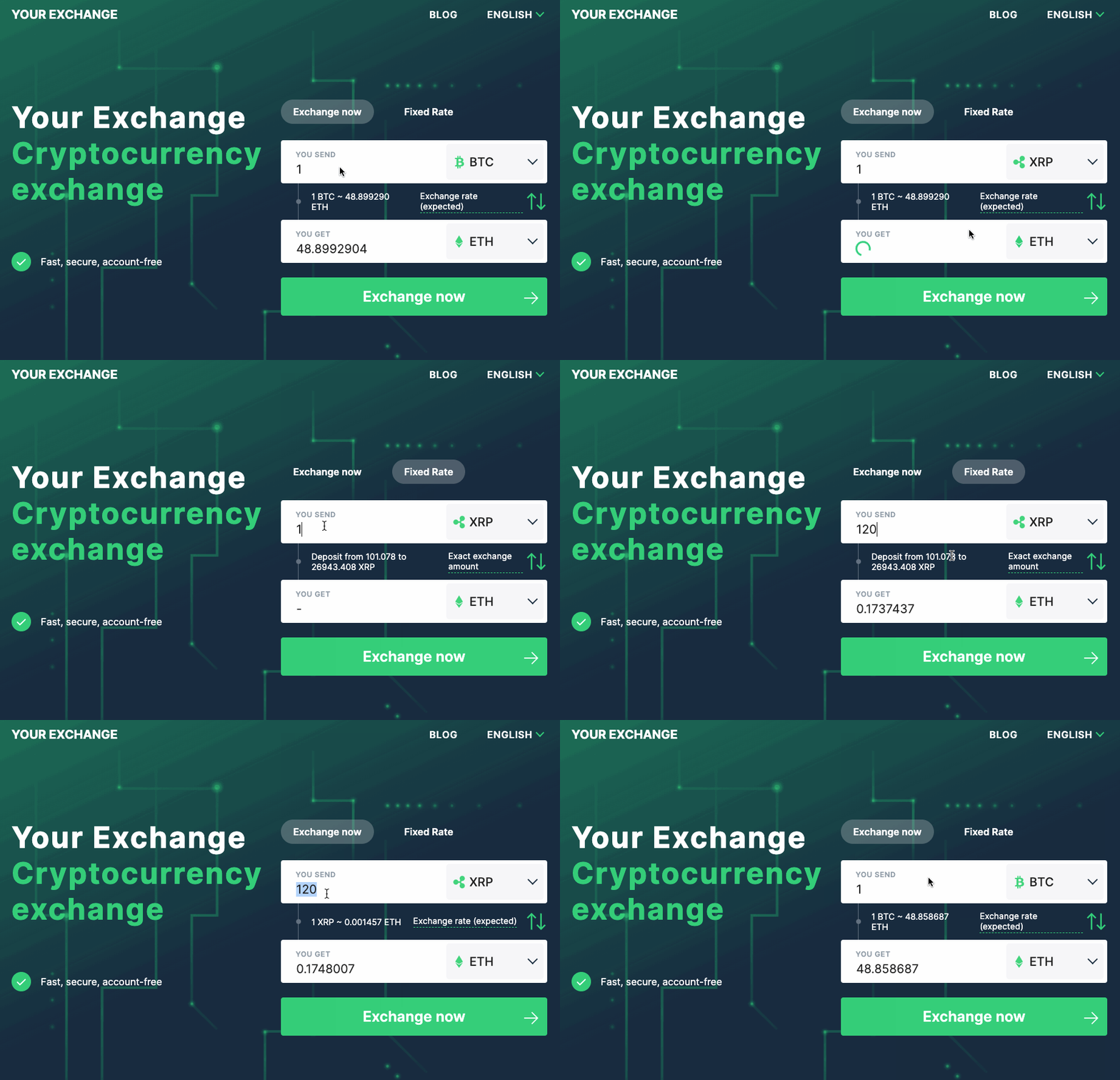
Crypto Exchange Plugin
The ChangeNOW Plugin allows businesses to create their own
cryptocurrency exchange without needing coding skills.
You will need:


Three steps to your own website
1
Pre-step
1. Sign Up for Affiliate Program
To participate in ChangeNOW’s Partners Program you need to
generate an API key. You can easily do that following this
link.
2. Create a domain
To create a website you need to have a web host. You can
get one following this
link. If you already
have web hosting, please proceed to the next step.
3. Install the WP Plugin
If you’d like to use our plugin, you have to install the
WP Plugin for your hosting.
2
Installation
1. Download the Affiliate Pack
Please download our Affiliate pack using the following
link. The pack contains a number of themes, a plugin, and
a detailed tutorial.
2. Install The Components on Your Website
Please install all components of the Affiliate pack
according to the detailed installation guide that is
included.
3. Customize Your Website
Customize your site according to your needs. Ensure
compliance by implementing KYC/AML procedures as required
by your jurisdiction and staying updated on regulatory
guidelines for cryptocurrency operations.
3
Usage
1. Publish the Website and Share the News with your
Audience
Now that your website is ready, you might want to start
marketing yourself. You may promote your webpage on the
Internet to reach a wider audience.
2. Manage Your Activity
You can always see and manage all the operations and
transactions on your website using your personal ChangeNOW
account.
3. Withdraw funds
Whenever you need to withdraw your funds, the withdraw
option is available on your personal ChangeNOW’s Partner
account.
They are already enhancing their services with our plugin